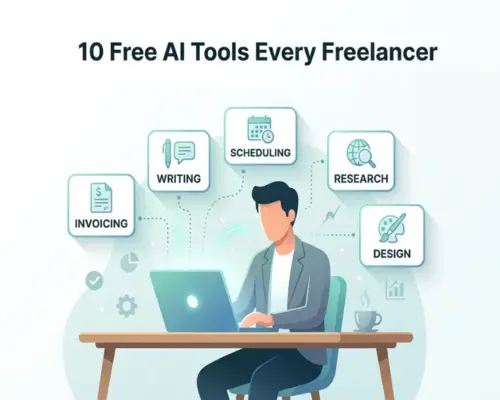
10 Free AI Tools Every Freelancer Should Use
10 Free AI Tools Every Freelancer Should Use
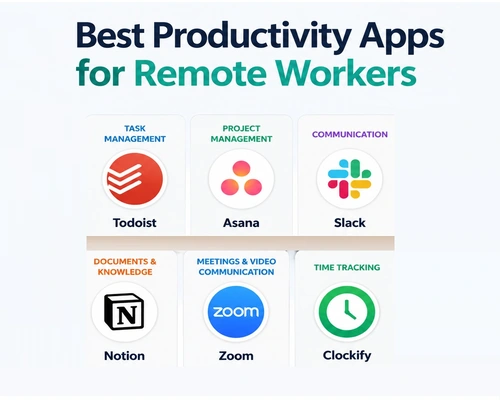
The 10 best free AI tools for freelancers to speed up their work and reduce costs are: ChatGPT (writing and brainstorming), Google Gemini (research and planning), Perplexity AI (research and sourcing), Canva (graphic design), Grammarly (English grammar and proofreading), Notion AI (productivity and task management), Gamma (slide and presentation creation), Otter.ai (meeting notes and audio transcription), ElevenLabs (realistic voiceover), and Remove.bg (photo background removal).
A brief overview of the essential AI tools
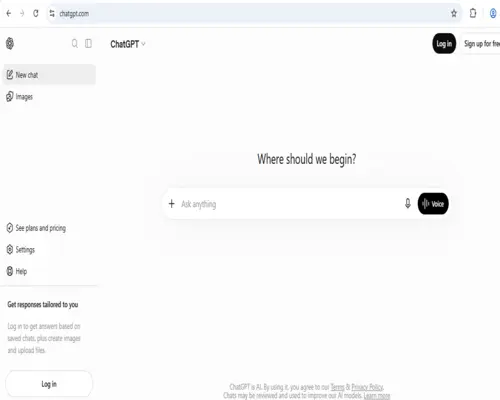
ChatGPT: The best companion for writing proposals, drafting client emails, and brainstorming any idea.
Google Gemini: Great for real-time information search, document analysis, and multitasking.
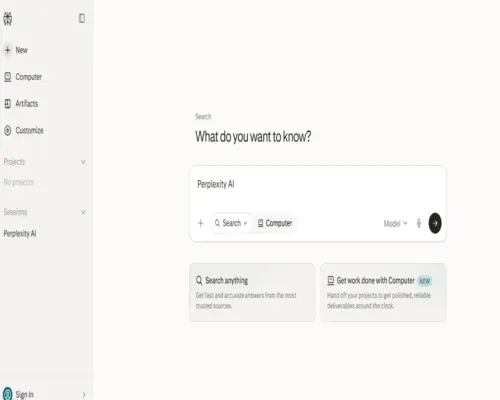
Perplexity AI: Helps you quickly research any topic with the right answer and source or reference.
Canva: Create social media posts or thumbnails without any design experience.
Grammarly: Makes writing professional by correcting English writing mistakes before sending it to clients.
Notion AI: Makes it easy to organize your work routine, projects, and client details in one place.
Gamma: Can create engaging presentations or pitch decks in a short time.
Otter.ai: Automatically creates notes by recording online meetings with clients.
ElevenLabs: Creates beautiful and natural-sounding voiceovers from any text.
Remove.bg: Cleans and blurs the background of any image with one click.
A great rundown of the best free AI tools for freelancers:
10 Free AI Tools Every Freelancer Should Use
Freelancing can be used for everything from writing, design, research, meetings, marketing, and productivity—all with AI. 10 Free AI Tools to Get You Started Tools:
ChatGPT — Content writing, ideation, research, brainstorming, and client communication.
Google Gemini — Writing, data analysis, and working with Google services.
Microsoft Copilot — Writing, summarizing, ideation, and general AI assistance.
Claude — Good for long-form writing, document analysis, and clear writing.
Perplexity — For quick information retrieval, including web research and sources.
Canva AI — For creating social media posts, presentations, and designs.
Grammarly — English writing, grammar, spelling, and writing suggestions.
Notion AI — For notes, project planning, summarizing, and workspace management.
Adobe Express — For quick graphics, social content, and general design creation.
GitHub Copilot — For code completion and coding assistance in web/software development.
Getting started tip: You do n0t need to learn 10 at once. Choose 2–3 based on your work—e.g. Content Writer: ChatGPT + Grammarly + Perplexity; Designer: Canva + Adobe Express; Developer: ChatGPT/Claude + GitHub Copilot.